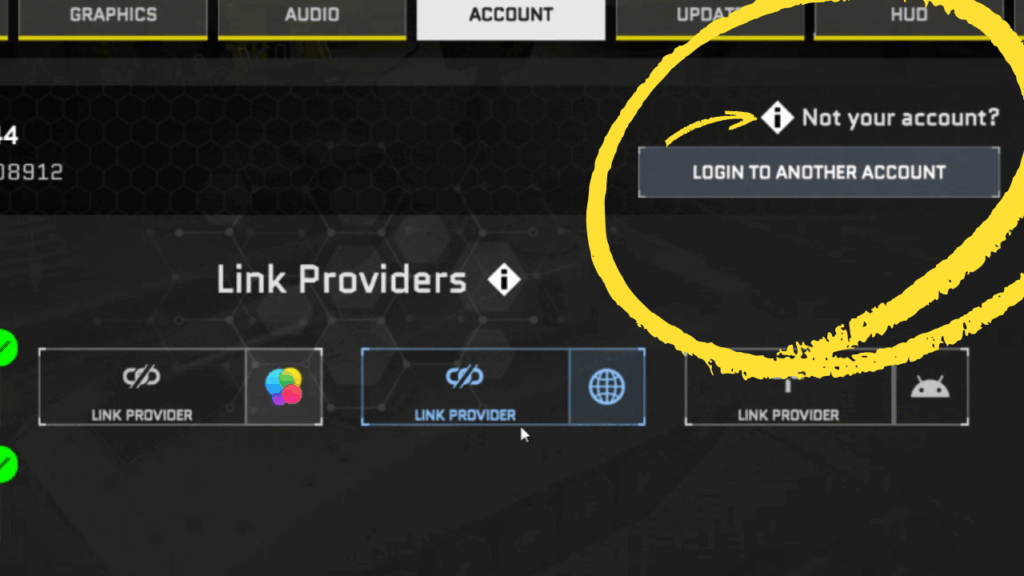
We’ve updated the way you log in and link your account to make it easier and clearer for everyone, especially new players.
What’s New
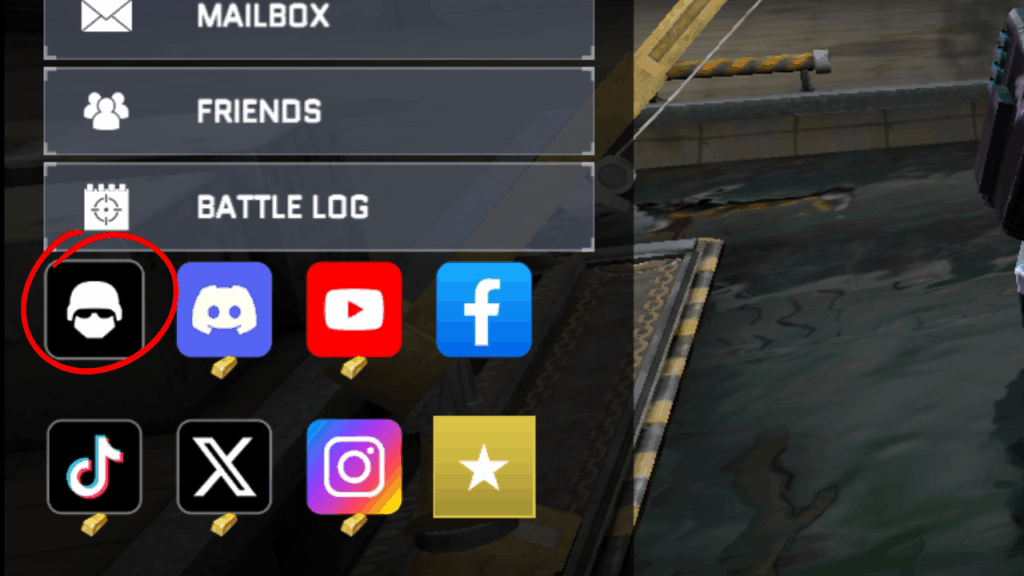
- The controller icon on the home screen has been replaced by a helmet icon.
- When you tap it, you’ll enter a new Account Link section.
- There, you can link your account to different providers to keep your progress safe.


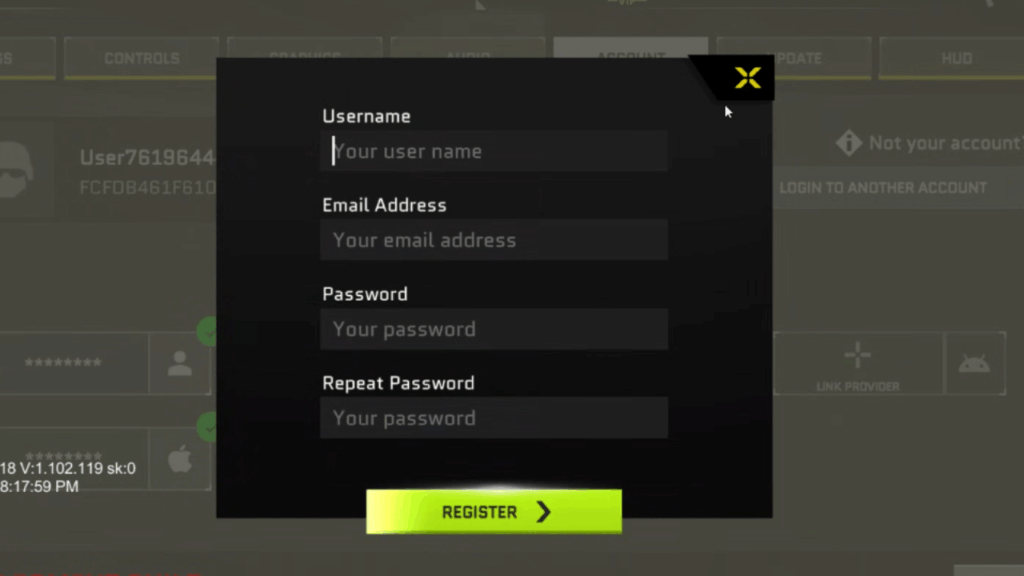
How It Works
- On Android, you’ll see Google and Email options.
- On iOS, you’ll see Email and Game Center.
👉 These options are for linking your account, not for direct login inside this screen.
Important Notes
- Once your account is linked, you cannot switch accounts from this screen.
- If you need to log in with another account, tap “This is not my account” at the top, then choose “Login with another account.”
- From there, select your provider (for example: Apple or Game Center on iOS, Gmail or Google Play Games on Android).